How to Start an AI Photo Restoration Side-Hustle for Local & Online Clients
Step-by-step blueprint to restore torn, faded, and low-res family portraits using AI. Turn this high-demand service into a ₹25,000 to ₹50,000/mo micro-hustle. Dual English & Hindi guide.
Original Archive: Aged sepia tones, paper cracks, and faded contours
Restoration Workspace: Fast 15-minute inpainting and scratch removal
Creased, torn corner, heavy silver oxidation grain, faded facial contours, and yellowed paper discoloration.
Tears and scratches digitally reconstructed. Facial details sharp and natural. Period-accurate skin tones and saree color palette applied.
Why Restoring Old Family Portraits is the Best Ethical AI Side-Hustle
Almost every household in India has an old photo album or wooden trunk containing precious photographs from the 1960s, 70s, or 80s: grandparents’ wedding pictures, ancestral portraits, or childhood memories.
Over the decades, these prints tear, develop fungal spots, and fade. Traditional photo studios charge ₹800 to ₹2,500 per photo and take up to two weeks to deliver.
Using modern open-access AI tools, you can repair tears, restore lost facial features, and naturally colorize old photos in under 15 minutes—creating an emotionally fulfilling, high-income micro-service for your neighborhood and online clients.
The Free 4-Step Tool Stack
- Glare-Free Mobile Scanning: Use Google PhotoScan (Free on iOS/Android). It takes 4 angular shots and stitches them to completely remove light glare from glass or glossy paper.
- Scratch & Tear Inpainting: Use Lama Cleaner or Clipdrop Inpaint to brush out physical fold lines, paper cracks, and liquid stains.
- Facial Contour Reconstruction: Use CodeFormer or GFPGAN. Set the fidelity slider to 0.65 to 0.70. Never set it to 1.0, or the face will look like an artificial plastic doll instead of the real ancestor.
- Period-Accurate Colorization: Use Palette.fm (select ‘Warm Antique’ or ‘Heritage Outdoor’ palette).
How to Get Your First 5 Paying Clients This Week
- Restore 2 Family Photos as Proof: Find two damaged photos from your own home, restore them, print them on 4x6 glossy photo paper (costs ₹15 at any cyber café), and put them in inexpensive wooden frames.
- Post a 10-Second Before/After Reel on WhatsApp & Instagram: Show the transformation with a nostalgic audio track. Your relatives, neighbors, and friends will immediately message asking for their old photos to be restored.
- Introductory Pricing: Charge ₹299 to ₹499 per photo to build a 20-client portfolio. Later, offer complete family album bundles for ₹2,500 to ₹5,000.
पुरानी खराब तस्वीरों को AI से ठीक करके हर महीने ₹25,000 से ₹50,000 कैसे कमाएं?
भारत के लगभग हर घर में पुरानी अलमारी या संदूक में 1970 और 80 के दशक की अनमोल तस्वीरें रखी होती हैं: दादा-दादी की शादी की फोटो, माता-पिता की जवानी के पल या खानदानी पुरानी यादें।
समय के साथ इन तस्वीरों में दरारें पड़ जाती हैं, कोने फट जाते हैं या चेहरे पीले पड़ जाते हैं। आम फोटो स्टूडियो वाले एक फोटो ठीक करने का ₹800 से ₹2,000 तक लेते हैं और हफ्तों का समय लगाते हैं।
आज के फ्री AI टूल्स की मदद से आप सिर्फ 15 मिनट में फटी हुई फोटो को जोड़ सकते हैं, धुंधले चेहरे को एकदम साफ कर सकते हैं और ब्लैक एंड व्हाइट फोटो में असली रंग भर सकते हैं।
बिल्कुल फ्री 4 टूल्स का आसान सेटअप
- बिना चमक के फोटो स्कैन करें: Google का PhotoScan ऐप अपने फोन में डाउनलोड करें। यह पुरानी फोटो की चमक (glare) को हटाकर बिल्कुल साफ डिजिटल कॉपी बनाता है।
- दरारें और फटे हिस्से मिटाएं: Clipdrop Cleanup या Lama Cleaner से फोटो के फटे हुए कोनों और निशानों पर ब्रश फेरें।
- धुंधला चेहरा साफ करें (Face Restore): CodeFormer या GFPGAN टूल का इस्तेमाल करें। ध्यान रखें कि इसके स्लाइडर को 0.65 से 0.70 पर ही रखें ताकि चेहरा असली लगे और प्लास्टिक जैसा न दिखे।
- नेचुरल रंग भरें (Colorize): Palette.fm पर जाकर फोटो अपलोड करें और ‘Warm Antique’ कलर चुनें जिससे साड़ियों और भारतीय कपड़ों के रंग बिल्कुल असली दिखें।
इस हफ्ते अपने पहले 5 ग्राहक कैसे पाएं?
- घर की 2 पुरानी फोटो ठीक करके शुरुआत करें: अपने घर की कोई पुरानी फटी फोटो लें, उसे AI से ठीक करें और किसी भी नजदीकी दुकान से ₹15 में 4x6 साइज में प्रिंट कराकर फ्रेम में लगाएं।
- WhatsApp स्टेटस और Instagram Reel पर डालें: ‘Before vs After’ का 10 सेकंड का वीडियो बनाएं जिसमें पहले खराब फोटो दिखे और फिर एकदम चमचमाती रंगीन फोटो। रिश्तेदार और दोस्त तुरंत आपसे अपनी तस्वीरें ठीक कराने लगेंगे।
- शुरुआती फीस: शुरुआत में प्रति फोटो ₹299 से ₹499 चार्ज करें। जब आपका काम जम जाए तो पूरे एल्बम के लिए ₹3,000 से ₹5,000 का पैकेज ऑफर करें।
Quick Answers
Is this workflow completely free, or do I need a paid plan?+
The core workflow uses free or freemium tools (like the ones named in this guide). Where a premium version helps, I say so explicitly so you can start at ₹0 and only upgrade if you need the extra quality.
Which app works best on a mid-range Android phone?+
On budget Android, the mobile-native tools (CapCut, Snapseed, VN) run best without lag. The desktop/browser AI tools give higher results but need a computer or decent phone, so match the tool to the hardware you actually have.
Will these results look "AI-ish" or fake to viewers?+
No — that's the whole point of the multi-pass approach. The key is to preserve natural texture, reflection, and physics (as explained in the steps above) rather than letting one aggressive pass wash everything out. Done right, it looks like the original scene.
More Guides & Reviews
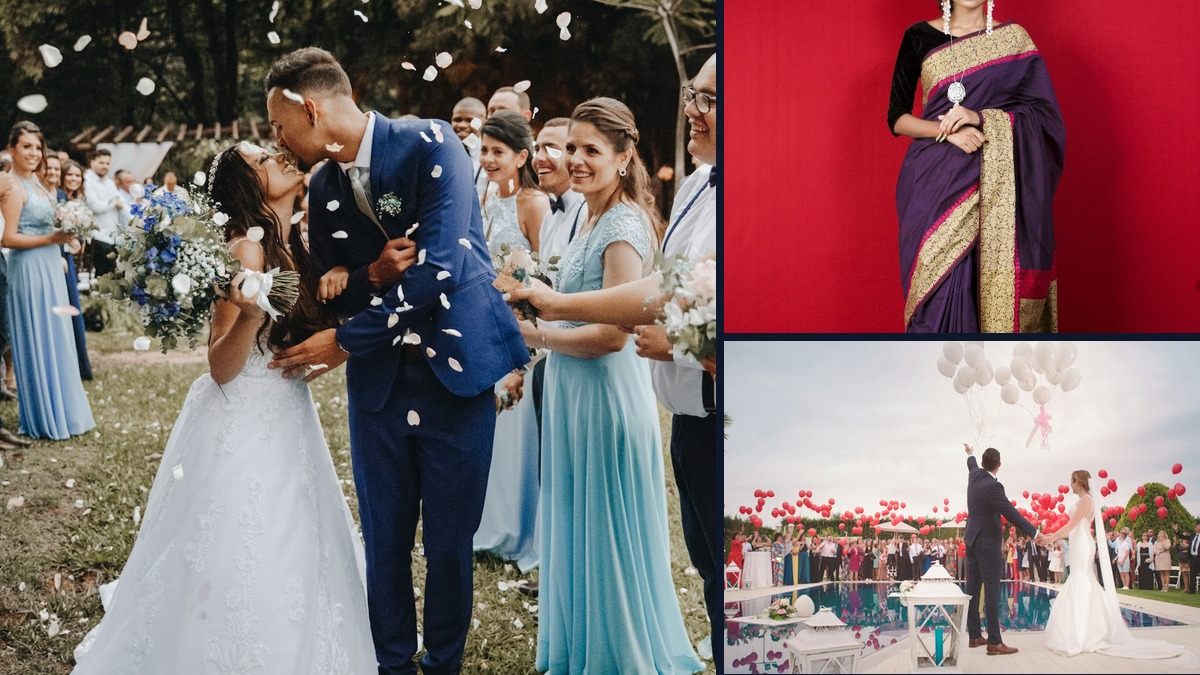
3 Free AI Tools to Fix Grainy, Low-Light Wedding & Sangeet Videos on Your Phone
How to de-noise, upscale, and salvage dark, muddy wedding and party video clips directly on iOS and Android without paying for expensive desktop software. Dual English & Hindi guide.
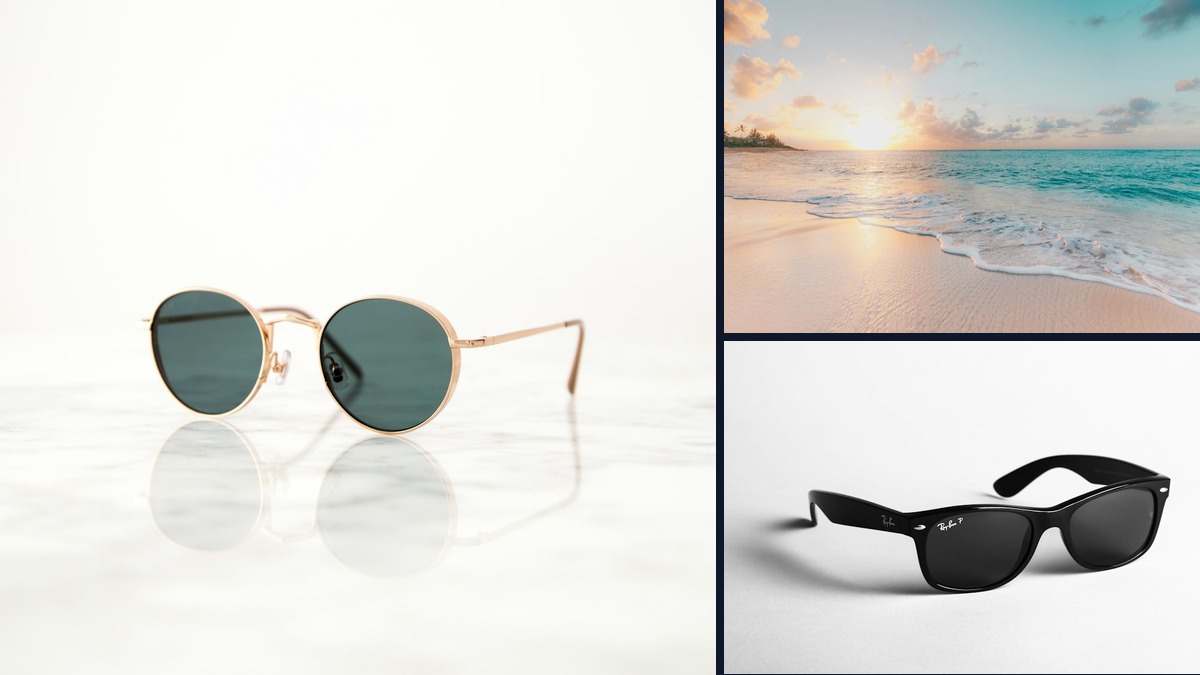
Are Meta Ray-Ban Smart Glasses Worth It for Travel & Street Vlogging in India?
We tested the Meta Ray-Ban smart glasses across bustling Indian railway stations, street food markets, and night bazars. Honest dual English & Hindi review.
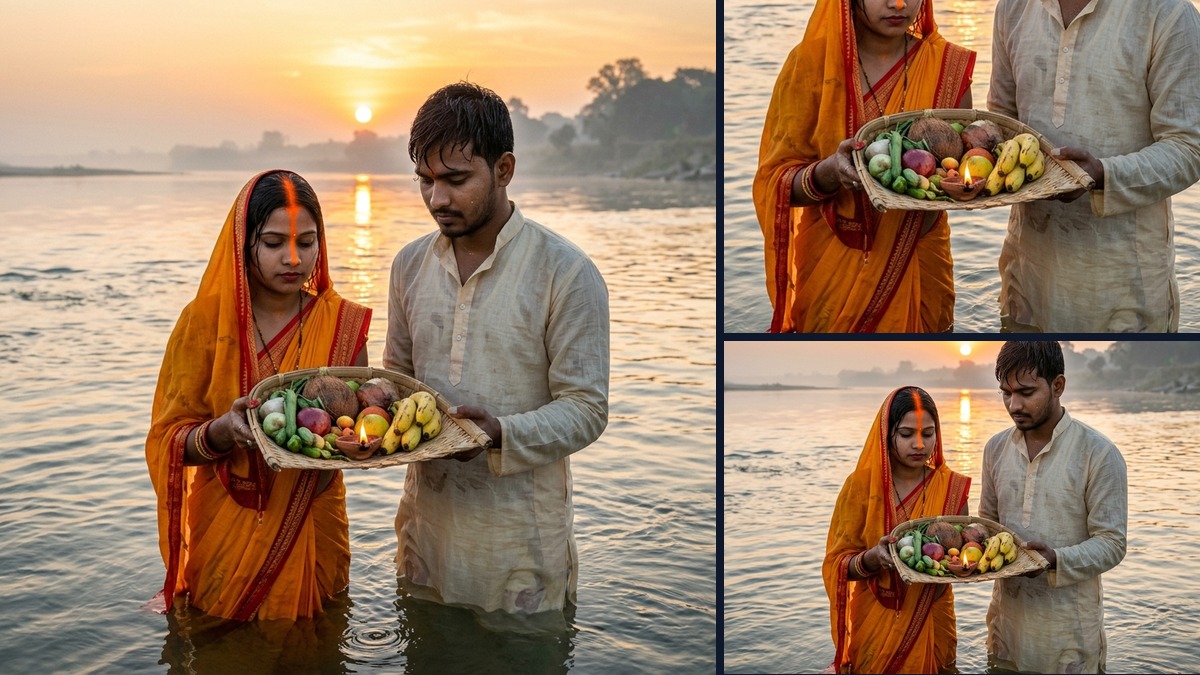
Chhath Puja Couple Photo AI Prompts: Free Workflow for Indian Festivals
How to craft realistic, respectful, and culturally accurate Chhath Puja young adult couple portraits using free AI tools without cartoon artifacts. Dual English & Hindi guide.
Diwali Low-Light Photo & Video AI Fix: Free Mobile Workflow
How to fix dark, grainy Diwali diya portraits and sparkler videos using free smartphone AI tools. Complete dual English & Hindi tutorial.